
Top PC keyboards in 2026: the market has never been so rich, nor so technically advanced, for those seeking a peripheral truly suited to their needs. Between long typing sessions, competitive gaming, hybrid remote work, and the search for improved comfort, the keyboard is no longer a simple accessory. It influences posture, precision, and even fatigue at the end of the day. The leading models today no longer simply boast impressive specifications: they address very real needs, from the developer typing thousands of lines to the gamer demanding minimal latency.
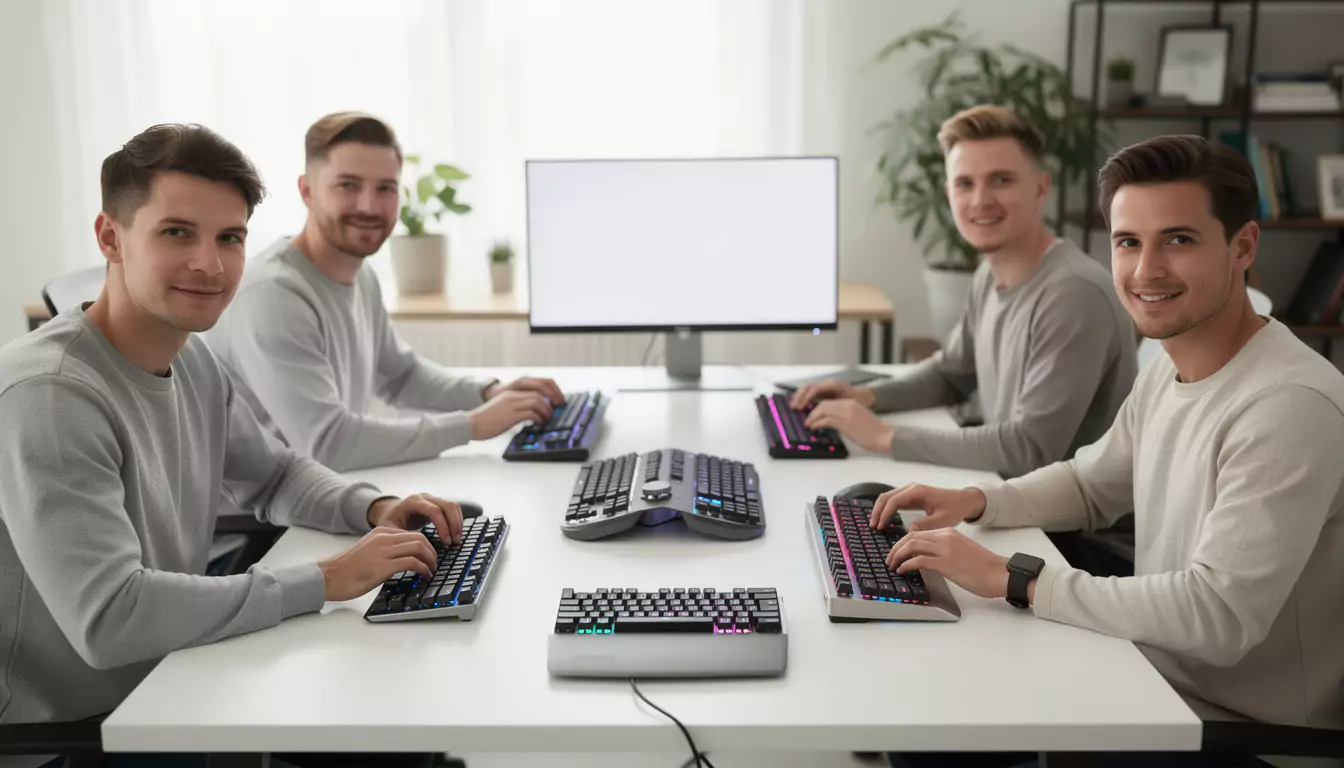
The right choice depends less on a passing trend than on an essential trio: the keyboard itself, the key technology, and the software quality. A compact model can free up space and improve ergonomics, while a full keyboard with a numeric keypad remains invaluable for office work or certain technical professions. Within this landscape, a few models clearly stand out. They offer either exemplary typing, exceptional versatility, or unbeatable value for money. For businesses and freelancers alike who want to build a cohesive work or gaming environment, the support of an expert like DualMedia can also make all the difference in integrating a high-performance web and mobile ecosystem around everyday digital uses.
Which models dominate the list of must-have PC keyboards to adopt in 2026?
In the Top PC Keyboards of 2026, several models stand out because they cater to very distinct user profiles. The Logitech MX Keys S remains a reliable choice for intensive office work. Its smooth typing, slightly concave keys, and quiet operation make it a popular tool for writers, developers, and anyone who spends their day typing. It's not a revolution compared to the previous generation, but that's precisely the point: it refines an already very mature formula. On a professional desk, this stability often counts for more than a spectacular new feature.
In contrast to a strictly functional approach, the Logitech POP Icon Keys embraces a distinctive visual identity. This choice may seem secondary, but it isn't always. A pleasant workspace enhances user engagement, especially when working remotely. Its compact size, multi-device Bluetooth connectivity, and quiet typing make it suitable for switching between a computer, tablet, or smartphone. There are a few compromises, such as the lack of backlighting and the use of AAA batteries, but overall it remains a coherent option for mobile office use.
For gaming and versatility, the Wooting 80HE stands out. Thanks to its magnetic switches, it allows for extremely precise adjustment of the actuation point. This level of customization is a real game-changer for demanding gamers, but it also benefits those who want a technical and customizable typing experience. Its lightweight web interface, which is stored in internal memory once configured, eliminates the need for resource-intensive background software. This is a detail many overlook before buying, only to regret it after a few weeks.
The Logitech G213 Prodigy also deserves a place for those on a tight budget. Under €50, it offers a decent gaming experience without aiming for high-end performance. Its integrated wrist rest and spill resistance enhance its appeal for a family or student setup. Finally, the Razer Huntsman V3 Pro clearly prioritizes raw performance. More expensive, and also more powerful, it's aimed at those who want to fine-tune key actuation with extreme precision. For a comprehensive workstation or gaming setup, DualMedia can help you select compatible peripherals for well-defined web, software, or mobile uses.
Useful benchmarks for quick comparison
Before choosing, a few criteria can help distinguish truly relevant models from simply popular products. Here are the most important:
- Typing quality and fatigue over long periods
- Format complete, TKL, 80 % or compact
- Wired, Bluetooth or 2.4 GHz connection
- Configuration software and embedded memory
- Sound level ore and stabilizer quality
- Rapport between price, finish and durability
This simple filter prevents many impulse purchases. A keyboard that looks attractive in a photo isn't always the one that will withstand eight hours of typing or several gaming sessions per week.
How to choose based on office work, gaming, and everyday real-world use
The list of top PC keyboards in 2026 only makes sense if it's linked to a specific use case. A keyboard suited to the writing A long key travel isn't necessarily ideal for an FPS gamer, and even an excellent competition model can become tiring in an open-plan office. For office work, the priority should be typing stability, low noise, and ergonomics. A keyboard like the MX Keys S meets these requirements well. Fingers quickly find their place, the key travel remains moderate, and fatigue is reduced over time. In an administrative department, an agency, or a development center, this type of equipment discreetly but sustainably improves comfort.
For gaming, expectations are changing. Activation speed, key release control, and key consistency are taking precedence. Magnetic or optical analog switches dominate competitive play because they allow for very precise adjustments. The Wooting 80HE and the Razer Huntsman V3 Pro exemplify this trend. Features like Rapid Trigger provide a significant advantage in certain fast-paced games. However, it's important to maintain a realistic perspective: these technologies truly shine in expert hands. For most gamers, a good, well-built wired keyboard is more than sufficient.
Connectivity also deserves special attention. In an office environment, Bluetooth is convenient, especially for switching between multiple devices. For gaming, a wired connection or a highly responsive 2.4 GHz link is preferable. This point seems obvious, yet it's often overlooked before purchase. The same logic applies to the keyboard. A compact model frees up space for the mouse, which appeals to gamers and those with small offices. A full keyboard remains preferable for entering numbers or certain technical professions.
The following table summarizes the most rational choices:
| Main use | Recommended type | Relevant model | Highlight |
|---|---|---|---|
| Intensive Office Automation | Premium or low-profile membrane | Logitech MX Keys S | Precise and silent strike |
| Compact and mobile setup | Compact Bluetooth | Logitech POP Icon Keys | Stylish and multi-device compatible |
| Competitive Gaming | Magnetic | Wooting 80HE | Fine-tuning of activation |
| Small budget gaming | Optimized domes | Logitech G213 Prodigy | Affordable price |
| High-end ESPorT | Analog optics | Razer Huntsman V3 Pro | Performance pure |
Within a broader framework of digital performance, DualMedia can also advise companies that want to harmonize equipment, web interfaces, and mobile tools. The device is never isolated: it is part of a complete productivity chain.
The most common purchasing mistakes
Three common mistakes are made. First, buying a keyboard that's too noisy for a shared environment. Second, choosing a keyboard that doesn't suit your actual usage habits. Finally, overestimating the usefulness of advanced options that will never be used. High-performance hardware should remain useful, not just impressive.
Technologies, switches, formats and technical points to check before buying
Understanding the top PC keyboards of 2026 requires looking beyond the brands. The heart of the matter lies in the mechanisms. Linear switches, often preferred in gaming, offer a smooth actuation without noticeable tactile feedback. Tactile switches provide a more defined point of contact, often sought after for typing. Clicky switches, on the other hand, produce a very recognizable click. They may appeal to some enthusiasts, but quickly become problematic in a shared office. The choice, therefore, is not just about feel. It also depends on the context of use.
In addition to this classic distinction, there's the rise of magnetic keyboards. Their principle differs from traditional mechanical keyboards: instead of relying on simple physical contact, they measure the depth of key insertion. This allows for advanced adjustments, sometimes down to a tenth of a millimeter. For competitive gaming, this is a clear advantage. For everyday typing, the benefit is mainly seen by very demanding users. The extra cost is therefore not always justified for everyone.
The keyboard also plays a central role. A full keyboard with a numeric keypad is well-suited for accounting, data entry, or certain technical uses. A TKL or 80 % saves space without significantly sacrificing accessibility. More compact keyboards require more adaptation, as several functions are handled by secondary layers. This isn't a problem for an experienced user, but it can slow down those seeking immediate efficiency.
Another often underestimated topic is QWERTY to AZERTY conversion. From a software perspective, the operation is simple. From a physical perspective, it's much less so. ANSI and ISO keyboard layouts differ in their function of the Enter key, their arrangement, and even their number of keys. Simply moving keycaps isn't enough to achieve a coherent setup. This detail can prevent many disappointments associated with an imported purchase.
Finally, software quality remains crucial. A good keyboard in 2026 must offer a clear, reliable configuration, ideally stored in its internal memory. Overly bloated utilities ultimately hinder the user experience. It is precisely in this kind of technical detail that DualMedia distinguishes itself as an expert capable of supporting complete web and mobile projects, where the ergonomics of the user workstation match the quality of the digital tools used daily.
Which is the best PC keyboard model in 2026 for typing all day?
The Logitech MX Keys S remains a very solid benchmark. Ranked among the top PC keyboards in 2026, it stands out for its precise, quiet, and fatigue-free typing, ideal for long sessions of writing, development, or intensive office work.
Does the Top PC Keyboards of 2026 recommend a Bluetooth keyboard for gaming?
No, it's not the most relevant choice. In the Top PC keyboards of 2026, Bluetooth is mainly suitable for office work and multi-device use, while gaming generally requires a wired or 2.4 GHz connection to limit latency.
Why are magnetic keyboards rising to the top of the PC keyboards in 2026?
Because they offer very precise activation control. Among the top PC keyboards of 2026, these models appeal to demanding gamers thanks to advanced features like Rapid Trigger and improved key travel customization.
Is a compact keyboard from the Top PC Keyboards of 2026 suitable for work?
Yes, if desk space is limited and a numeric keypad isn't essential. Among the top PC keyboards of 2026, compact formats offer improved ergonomics and portability, provided you accept some compromises regarding direct access to certain keys.
Who can support a comprehensive digital project focused on the uses presented in the Top PC Keyboards in 2026?
DualMedia can expertly support this type of need. Beyond the Top PC Keyboards of 2026, the agency helps structure coherent web and mobile projects, designed for the real-world uses of teams, companies, and end users.
Would you like a detailed quotation for a mobile application or a website ?
Our team of development and design experts at DualMedia is ready to turn your ideas into reality. Contact us today for a quick and accurate quote: contact@dualmedia.fr