
Best 3D printer: comparison of high-performance models to choose a reliable model according to technology (FDM, resin, powder), budget, print quality and uses, from leisure to professional prototyping.
To frame a useful comparison, the criteria must remain concrete: print volume, actual precision, mechanical stability, software ecosystem, and parts availability. A coherent choice often hinges on these points, more so than on marketing specifications.
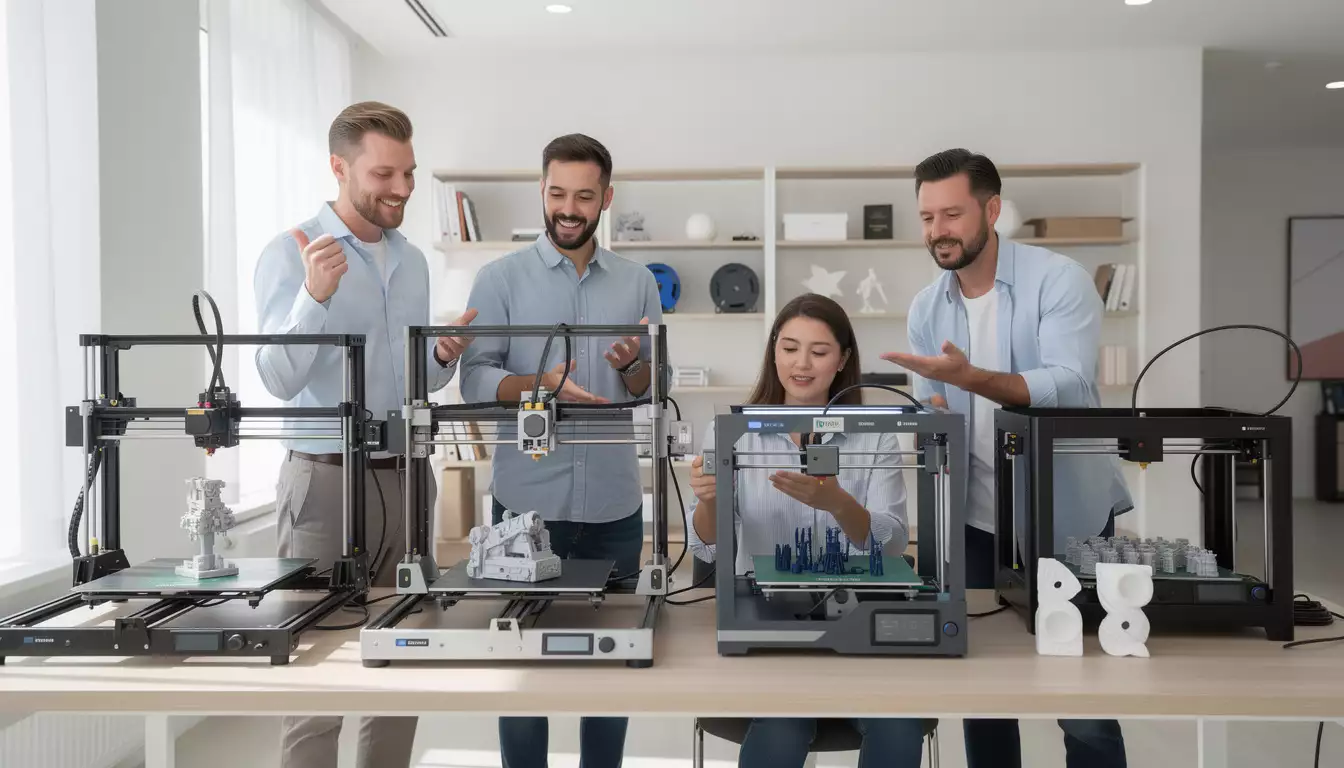
Essential criteria for choosing the best 3D printer according to your intended use
The best 3D printer isn't defined by a single number. The right model depends on a clear need: functional prototyping, highly detailed figurines, workshop jigs, or small production runs. A repair shop, for example, will look for a stable machine that's easy to maintain and capable of printing PETG or ABS with repeatable tolerances, whereas a 1TP5 figure maker will prioritize a fine resin and controlled post-processing.
The primary filter remains the technology. FDM (Fused Deposition Modeling) is suitable for large parts, enclosures, supports, and everyday components, with low material costs and accessible maintenance. Resin (SLA/MSLA) excels at detailing, small parts, and finishing, at the cost of more demanding handling (gloves, washing, UV curing). Powder/metal processes (SLM, sintering) are primarily industrial applications, with very high budgets and safety constraints.
Accuracy must then be interpreted pragmatically. A thin layer height is insufficient if the mechanics vibrate, if the axes lack rigidity, or if the extrusion is unstable. A truly superior 3D printer is distinguished by its repeatability: two identical prints made a week apart should be virtually identical. A telling example: in a small product design company, the team often validates a prototype in fast PLA, then reprints it in reinforced PETG. Without solid calibration (leveling, flow rate, temperature), these adjustments become a huge time drain.
Software and the ecosystem are just as important as hardware. Compatibility with popular slicers, ready-to-use profiles, regular updates, and an active community: this trio significantly reduces troubleshooting time. This is also where a web agency and mobile like DualMedia can intervene, by creating control tools, print tracking dashboards, or 3D file management interfaces linked to a fleet of machines to industrialize a production flow.
1TP5 Purchase Checklist: Performance and Reliability
To avoid making a decision based solely on price, a checklist helps to compare on equal footing. The points below cover the essentials, with a focus on real-world performance and day-to-day operation.
- Chassis stability and guides (rigidity, mechanical play, quality of axes).
- Usable volume and forme of the platform (practical for cases, long parts, jigs).
- Thermal management (heated platform, closed enclosure, controlled ventilation).
- Sensors and assistance (self-leveling, filament end detection, resumption after interruption).
- Slicer and profile compatibility (Cura, PrusaSlicer, manufacturer solutions, standard formats).
- Connectivity (USB, SD, Wi-Fi/Ethernet depending on the workshop context).
- Suppliort and maintenance (available parts, documentation, after-sales service, community).
One final, often underestimated point concerns safety and the environment: air filtration, emissions management (ABS, resins), and energy consumption. A better 3D printer integrates seamlessly into a workspace, which determines its actual use, not just its technical specifications.
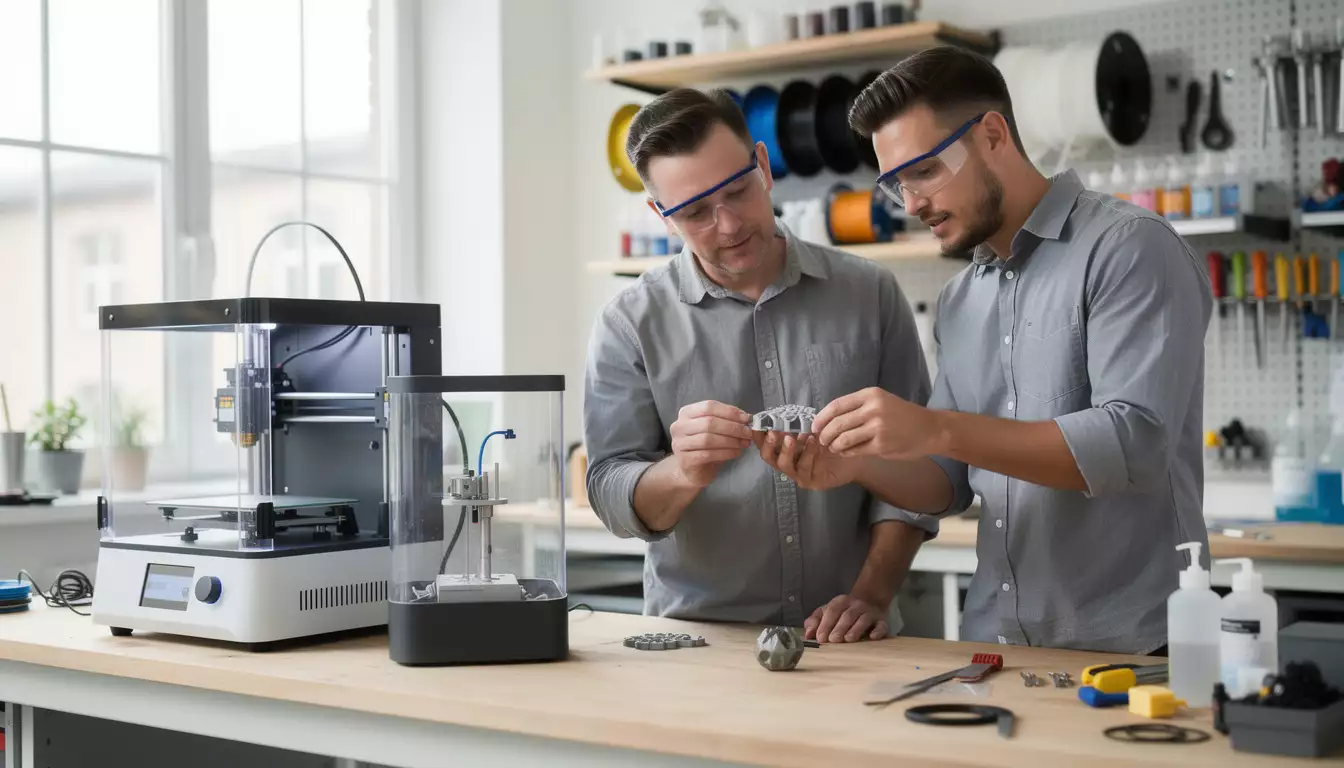
Comparison of high-performance models: how to read the differences without making a mistake
A comparison of the best 3D printers becomes relevant when it links features to specific use cases. Three profiles often emerge: the home user who wants to print quietly and without endless adjustments, the workshop looking for a robust machine, and the designer aiming for a demanding surface finish. In practice, the "best" machine varies depending on these contexts.
To illustrate, three models often cited in consumer and semi-professional selections deserve a technical analysis: a large-volume FDM machine (like the Creality CR-10 Max), a closed and highly reliable machine (like the Dremel 3D45), and a quiet, compact home machine (like the FlashForge Finder). Their philosophies differ: the first prioritizes volume and the capacity/price ratio, the second emphasizes a structured experience and robustness, and the third focuses on accessibility and ease of use.
On a large-volume FDM printer, the main concerns often lie in temperature management and extrusion consistency during long prints. A less-than-ideal print head fan, a poorly guided filament duct, or a faulty power supply can turn an 18-hour print into a series of interruptions. Conversely, an enclosed machine prioritizes stability and safety, but sometimes limits the materials it can handle, which can become a major drawback when a project requires a specialized filament.
To make accurate comparisons, a table helps visualize the trade-offs. It doesn't replace testing, but it structures the decision and highlights what each model actually optimizes.
| Model (examples) | Recommended profile | Points forts 1TP5Holded performance | Points to watch |
|---|---|---|---|
| Creality CR-10 Max (FDM) | Large volume, functional parts, prototyping | Impressive printing capacity, good price/capacity ratio, fairly quick to learn after calibration | Variable quality of some components (ventilation/print head), adjustments needed for long prints |
| Dremel 3D45 (FDM) | Workshop, supervised environment, regular use | Robust chassis, touchscreen, remote management via Wi-Fi, user experience structured | Material choices sometimes limited, printing time often longer |
| FlashForge Finder (FDM) | Domestic life, learning, everyday impressions | Quiet, convenient connectivity, simple installation, good quality for the price | Less suitable for demanding technical parts or large volumes |
Concrete example: from prototype to product with a controlled digital workflow
In a fictional home automation SME, a sensor housing is printed using FDM to validate its dimensions, then adjusted after a clip test. Once the geometry is validated, the team switches to a resin for a better finish for commercial demonstrations. The benefit comes from a stable digital workflow: file versioning, documented printing parameters, and traceability of iterations.
This type of organization is strengthened when DualMedia intervenes on the software layer: a web interface for uploading STL files, a validation workflow, and production tracking accessible on mobile devices. A better 3D printer delivers results, but a good system around the machine makes those results reproducible and usable.
Testing, maintenance and integration: ensuring the long-term performance of a better 3D printer
The performance of a better 3D printer is determined over time, not by the first successful print. Serious testing follows reproducible checklists: reference parts, dimensional measurements, wall inspection, bridge and overhang checks, and observation of recurring defects (stringing, under-extrusion, warping). A machine may be fast, but if each batch requires manual adjustments, the actual cost skyrockets.
The useful test criteria overlap with those found in real-world use: material compatibility, effective resolution, speed, software, and volume. In terms of energy consumption, a 3D printer often consumes, in a room of a size similar to a computer workstation under load, which remains reasonable, but a heated chamber or a long print run increases the bill. The goal is not to find the absolute "minimum," but rather stable and predictable consumption, especially in a workshop setting.
Maintenance should also be considered from the moment of purchase. Nozzle, PTFE tube, belts, rollers, build plate, filters: these parts wear out. A better 3D printer is one with easy access to consumables, clear documentation, and readily available parts. Conversely, fragile connectors, a confusing menu, or gear vibrations can ruin the experience, even if the print quality looks good on paper.
Industrializing a printer fleet: the web and mobile apport
When multiple machines are running, the challenge shifts to scheduling: who prints what, with which profile, on which filament, and when. A shared spreadsheet in an office file is no longer sufficient when the print speed increases. Web and mobile control becomes a direct driver of productivity, as it reduces versioning errors, duplicates, and wasted time.
DualMedia positions itself as an expert in building this digital layer: mobile application Job tracking, print completion notifications, filament stock management, and a web interface linked to a centralized file space. The benefit is tangible: fewer downtimes, greater traceability, and a better-controlled prototype → printing → reprint cycle. The best 3D printer remains a tool; the digital organization around it transforms the tool into a value chain.
Finally, online purchasing has become the norm due to the wide variety of products available and the speed of delivery, but a specialized retailer still retains an advantage in terms of advice and commissioning. The most effective approach often involves buying the machine where the support is readily available, then structuring its operation with appropriate tools. It is this combination—machine + process + software—that ensures performance.
Would you like to get a detailed quote for a mobile application or website?
Our team of development and design experts at DualMedia is ready to transformer your ideas into reality. Contact us today for a quick and accurate quote: contact@dualmedia.fr