
To publish an app on the App Store and Google Play, you need to create developer accounts, prepare a signed build, fill out the App Store listings, declare the data collected, test, submit for review, and then manage updates. The point that changes everything for your budget and timelines: publishing is not just a simple end-of-project formality, but a compliance phase that must be anticipated from the initial planning stage.
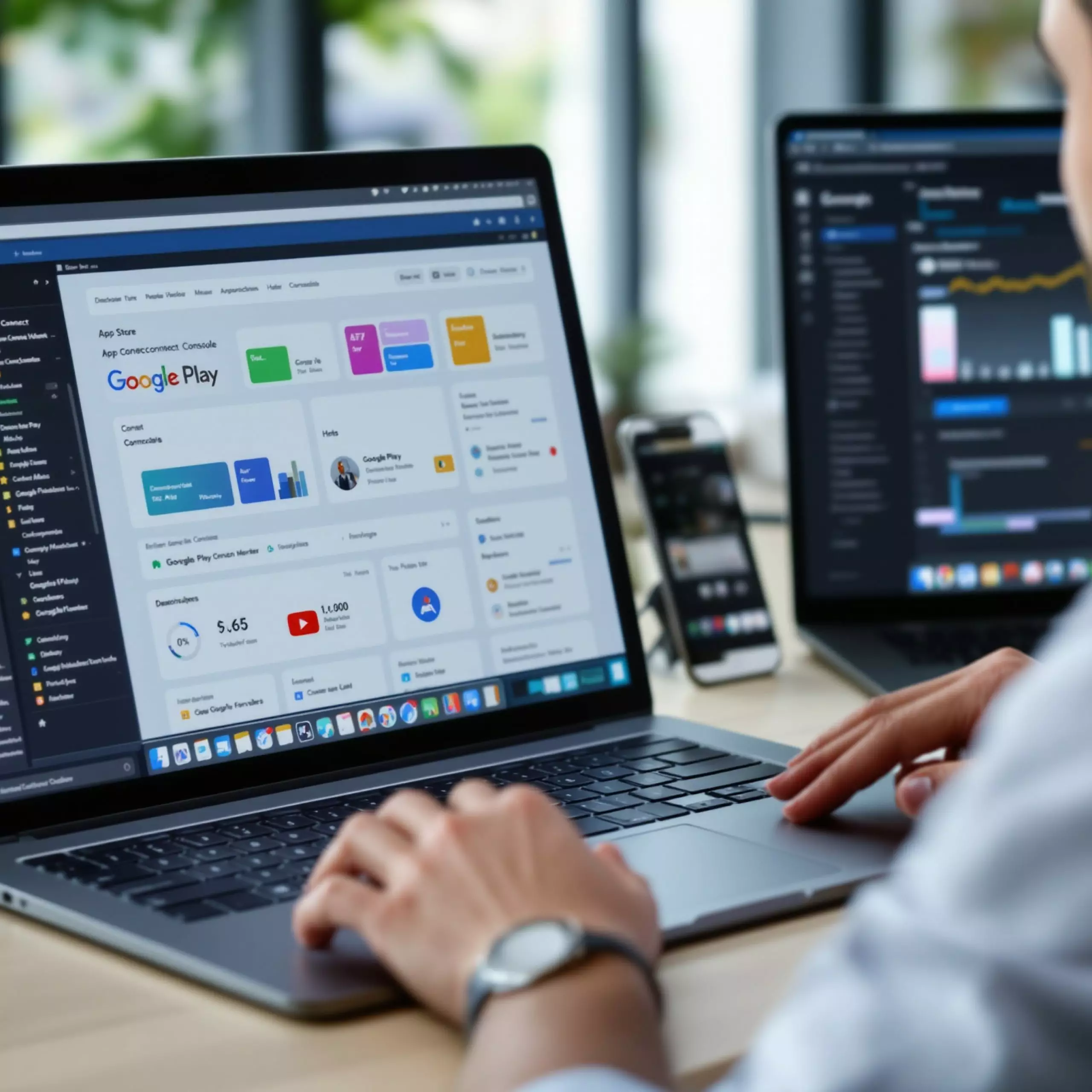
How do you create Apple and Google developer accounts?
The first step is to open the official accounts in your company’s name, not in the name of a freelancer or an agency. It’s an administrative detail that quickly becomes strategic: the account holds the app, the reviews, the statistics, the certificates, and the update history.
In 2026, the Apple Developer Program costs 99 USD per year. It is mandatory to distribute an app on the App Store. For registration as an organization, Apple requires a legal entity, a seller name, a public and functional website, an email linked to the company’s domain, the legal authority of the registrant, and, except in certain cases, a D-U-N-S number, an international identifier assigned to companies.
On the Google side, access to the Google Play Console costs 25 USD as a one-time payment. Google offers Personal and Organization accounts, with identity or organization verification. For an SMB, the Organization account is generally the right choice: it clarifies ownership, makes user management easier, and avoids depending on a collaborator’s personal account.
On the projects we handle, we often see a very ordinary blocker: the Apple Organization account is not ready because the D-U-N-S or the domain email is missing. This issue alone can delay a launch by several days, sometimes more if the documents need to be regularized.
Which files, certificates, and identifiers need to be prepared?
An app is not uploaded like a PDF. It must be identified, signed, and associated with the right technical services. Signing, or signature, proves that the file does indeed come from the authorized developer and that it has not been modified.
On iOS, the technical team prepares, among other things, a Bundle ID, meaning the app’s unique identifier, for example in a format similar to com.entreprise.app. It also configures the capabilities used: push notifications, Apple sign-in, in-app purchases, geolocation, background processing, depending on the project’s actual scope. The signed build is then archived with Xcode and sent to App Store Connect.
On Android, new apps published on Google Play use the Android App Bundle, a .aab file. This format allows Google Play to generate versions adapted to users’ devices. Play App Signing then manages the distribution signature. It’s convenient, but it requires careful preservation of keys and access.
The less visible pitfall: rebuilding an app with the wrong identifier or poor signature management can complicate, or even prevent, certain updates. At this stage, it is better to spend half a day checking the publishing architecture than to discover the problem after acquiring your first users.
If the technical choice has not yet been fully decored, planning upstream is still useful for comparing a native app, React Native, Flutter, or a web approach. The topic is linked to the broader decision between mobile app or website depending on usage, because not every idea necessarily deserves a presence on the stores.
| Element | Apple App Store | Google Play |
|---|---|---|
| Developer account in 2026 | Apple Developer Program, 99 USD per year | Google Play Console, 25 USD one-time payment |
| Publishing file | Signed and archived iOS build via Xcode / App Store Connect | Android App Bundle .aab with Play App Signing |
| Official testing | TestFlight, internal or external | Internal, Closed or Open testing |
| Announced review timeframe | Apple states that 90 % of submissions are reviewed in less than 24 hours on average | From a few hours to 7 days or more in some cases |
| Point of vigilance | Organization account, D-U-N-S, privacy, review notes | App content declarations, mandatory tests for certain Personal accounts |
How to test the application before publication?
Store testing is not just quality control. It also verifies that the application behaves correctly in an environment close to real life: installation, permissions, login, payment, notifications, update, account deletion if personal data is processed.
On iOS, TestFlight allows you to invite internal and external testers. External tests require beta information, and the first build must be approved by App Review. This step can be surprising: even a test version intended for a few pilot customers may be reviewed by Apple.
On Google Play, the Internal testing, Closed testing, and Open testing tracks cover different levels of exposure. Internal testing accepts up to 100 testers. For Google Play Personal accounts created after November 13, 2023, Google requires a closed test with at least 12 testers continuously enrolled for 14 days before requesting production access.
Honestly, publishing without a real beta phase is rarely profitable. The apparent savings quickly turn into negative reviews, support tickets, and urgent fixes. To limit these risks, a Mobile Pre-Publication Security Checklist must cover access, encryption, permissions, third-party SDKs, and error logs.
What should the presentation page on the stores contain?
The store page influences the installation rate, but also validation. Apple and Google want to understand what the application does, who it is for, what data it uses, and under what conditions. A vague page such as “manage everything from your mobile” helps neither the user nor the reviewer.
In App Store Connect, prepare the name, keywords, description, screenshots, any app previews, the category, the build, the support URL, the privacy policy URL, and the review information. Apple requires at least 1 screenshot and accepts up to 10 screenshots per page, in .jpeg, .jpg, or .png. App previews, short videos, are optional up to 3 per device size and per language.
In Google Play Console, the application name is limited to 30 characters. The short description can be up to 80 characters and the full description up to 4,000 characters. You must also provide visuals, the category, contact details, and the privacy policy depending on the case.
- Prepare screenshots on real representative screens, not just marketing mockups.
- Write a clear description of the features actually available at launch.
- Provide a test account to the reviewer if the application requires a login.
- Check that the requested permissions correspond to the use visible to the user.
- Publish a privacy policy that is accessible, stable, and consistent with the application.
The editorial work on the listing often comes too late. Yet ASO, or store optimization, requires choices of words, categories, and visuals. If your project is just getting started, the guide for create a mobile application from A to Z helps put publication back into a complete trajectory, from idea to launch.
How should personal data collected be declared?
Publishing an application on App Store and Google Play requires declaring the data collected, including data that passes through third-party tools. An SDK is a software component added to the app, for example for analytics, advertising, crash reporting, or social login.
At Apple, the App Privacy details, often called Privacy Nutrition Labels, are required for new applications and updates. They cover data collected by the application, but also by its partners and third-party SDKs. In 2026, Apple is also noting the appearance of Accessibility Nutrition Labels on product pages for devices running iOS 26 and related systems, with information related to accessibility.
At Google, the App content section is used to declare privacy and security practices, content classifications, privacy policies, and other compliance information. The GDPR, applicable in the European Union since 2018, obviously remains central if you process personal data: legal basis, information, consent if necessary, retention period, user rights.
A common case where the obvious solution is the wrong one: adding an advertising analytics tool “just in case” before even having an acquisition strategy. You increase declarations, consent risks, and the control surface, sometimes without any measurable benefit. With a small budget, it is better to instrument less, but do it properly.
How does validation by Apple and Google work?
Once the build and listing are ready, the submission goes into review. Apple examines the application against its App Review Guidelines, stability, privacy, content, payments, and user experience. Apple states that 90 % of submissions are reviewed in less than 24 hours on average.
Google Play announces a review that can take from a few hours to 7 days, or longer in exceptional cases. Changing information during a review can restart the process. So for a launch date announced publicly, keep some buffer. One week of safety is not excessive.
The most classic rejections are not always technical: missing test account, unexplained functionality, inconsistent privacy policy, overly broad permission, crash on startup, content deemed incomplete. On the agency side, the reflex is to submit a stable version with very concrete review notes: test flows, credentials, sensitive areas, explanation of permissions.
Technical quality nevertheless remains decisive. Startup time, memory, ANR on Android, that is, the application not responding, and iOS crashes weigh directly on the experience and visibility. For complex projects,iOS and Android performance-oriented mobile engineering becomes a management issue, not just a development one.
What obligations should be planned for after going live?
Going live is not the end. You need to monitor crashes, ANRs, reviews, ratings, performance, downloads, payment errors, and support tickets. You also need to maintain certificates, signatures, SDKs, privacy declarations, distribution countries, prices, and store listings.
The rules are evolving. Google Play, for example, announced in 2026 an Android developer verification coming into effect from September 30, 2026 for installation on certified Android devices. Google also communicated policy changes related to certain types of apps, such as anonymous or random chats, with expanded child safety standards.
Plan for a maintenance budget. Depending on providers and complexity, a monthly budget ranging from a few hundred to several thousand euros may be necessary to corriger, update dependencies, monitor the stores, and adapt the app to new iOS and Android versions. With a very limited budget, it is better to reduce the initial functional scope than to sacrifice this maintenance.
For a company, the right approach is to retain ownership of the accounts while delegating technical preparation, testing, and submission. DualMedia has supported the publication of more than 100 business applications on the stores; experience shows one thing above all: the smoothest projects are those where accounts, certificates, and data remain under the client’s control from the outset.
Defining this type of publication upstream helps avoid most unpleasant surprises: administrative delays, review rejections, incomplete listings, weak data declarations. An outside perspective often helps transformer a step perceived as final into a controlled process, with fewer back-and-forth exchanges and less technical dependency.
FAQ about publishing on the App Store and Google Play
How much does it cost to publish an application on the App Store and Google Play?
In 2026, the Apple Developer Program account costs 99 USD per year and the Google Play Console account costs 25 USD as a one-time payment. Added to this are the time required for preparation, testing, correction, and maintenance.
How long does it take to publish the App Store app on Google Play?
If the accounts are ready, a submission can be prepared in a few days. The review often takes less than 24 hours at Apple according to their figures, and from a few hours to 7 days or more at Google Play.
Can you publish an app without a business account?
Yes, individual accounts exist, especially at Google with the Personal type. For an SMB, an organization account is generally preferable in order to secure ownership, access, and continuity in the event of an employee’s departure.
Why can an app be rejected by Apple or Google?
Common causes include a crash, a misleading listing, incorrectly declared personal data, excessive permissions, a missing test account, or an inconsistent privacy policy. Most of these rejections can be prevented before submission.