
Ranking of the best graphics cards: updated 2026 comparison to choose the right GPU for gaming, 3D creation and AI, with criteria for VRAM, ray tracing, power consumption and compatibility.
On a DualMedia project such as a PC game + short video content, the choice of GPU determines both 1440p/4K fluidity and rendering times. An agency like DualMedia, with its web and mobile expertise, also helps to frame the entire digital ecosystem (showcase siteproduct landing, companion application), aligning performances, budget and roadmap, as in this guide to Google Analytics which is often used to link marketing objectives and technical choices.
Ranking of the best 2026 graphics cards: perf1TP5Real performance and usage profiles
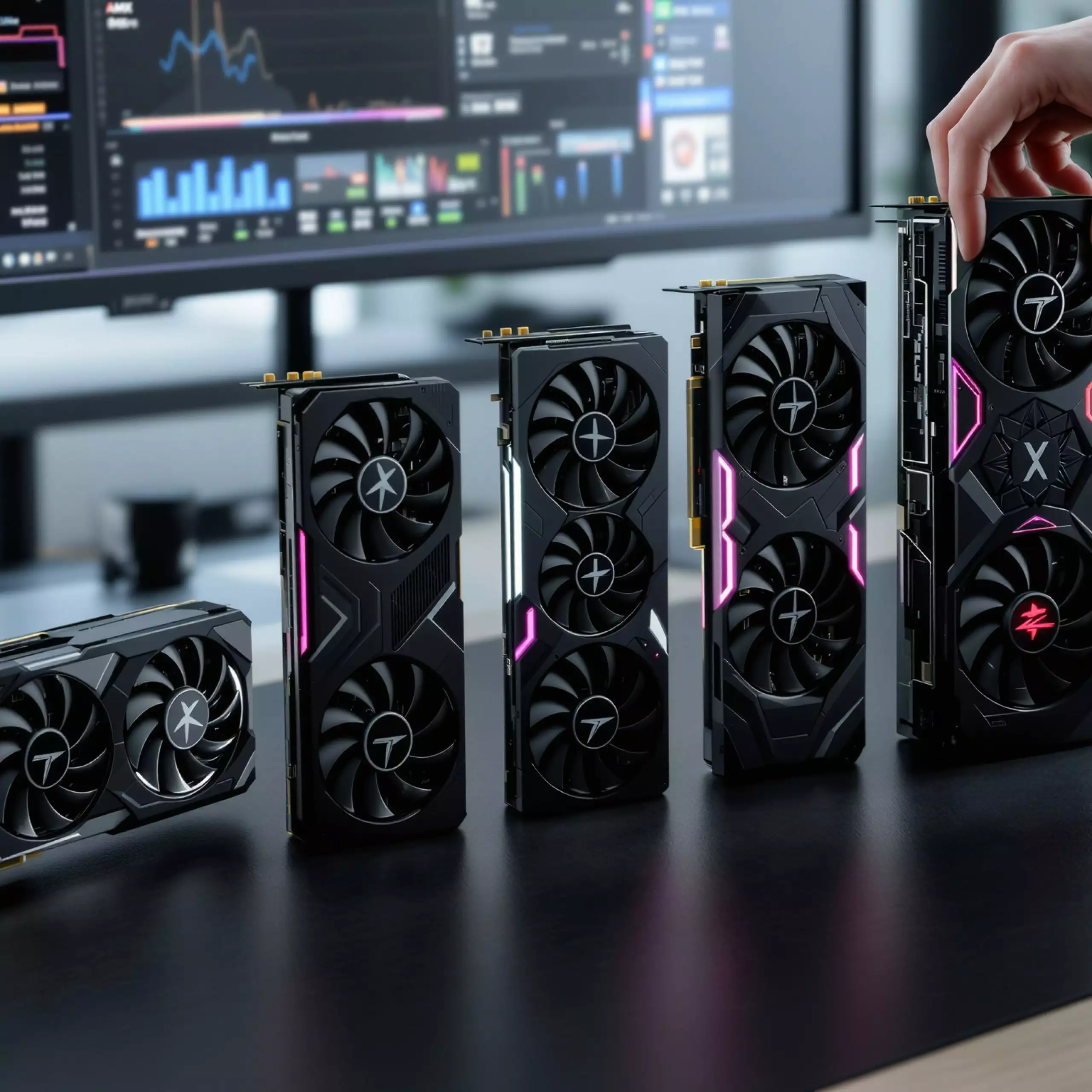
The ranking of the best graphics cards is best understood on the basis of usage. For DualMedia, the primary need remains a stable framerate at 1440p for in-house tests, followed by AI computing capacity to accelerate asset generation (textures, image variations, interpolation). This is precisely where recent generations stand out: multi-image generation, frame generation and upscaling boosted by AI, with a clear gain in fluidity lorwhen native rendering saturates.
At Nvidia, the RTX 50 series based on Blackwell architecture steps up a gear, with very fast GDDR7 memory and more efficient AI cores. On extreme models, up to 32 GB of VRAM enable large scenes to be loaded, useful in 4K and production. In practice, this class of GPU is aimed at video/IA creators who stack filters, models and timelines. The downside lies in dissipation and power supply: in a poorly ventilated case, a very high-end card may impose a strict thermal strategy, or even more ambitious cooling, at the risk of instability on other components.
AMD responds with RDNA 4 and the Radeon RX 9000 series. The positioning is clear: 16 GB of VRAM, solid energy efficiency under prolonged load, and open upscaling via FSR 3.1/4 that works on a large park. On an editing workstation that exporte all day long, thermal stability becomes as important a criterion as peak FPS. For a controlled budget, this approach remains rational.
Intel is making progress with Arc Battlemage, the idea being to offer "competent modernity": performances correct in 1080p/1440p, AI scaling functionalities (XeSS) and AV1 encoding. For a general-purpose PC or a first build, this segment defends itself, especially when cost per frame counts.
The choice of GPU is often combined with that of support : fixed PC, porable, mini PC. On mobile and web projects, DualMedia frequently accompanies the "workstation" part of product teams, particularly when asset creation has to keep pace with a sustained rate of publication. this selection of ordinators portables which helps to avoid undersized configurations. So ranking isn't just a podium: it's a orended workflow trade-off, and it's the insight that saves time.
Updated 2026 comparison: price table, VRAM, ray tracing and AI upscaling
An up-to-date comparison gains in relevance when it puts features in front of a concrete objective. DualMedia has established three profiles: "premium 4K", "balanced 1440p", "smart budget". In each profile, three parameters dominate: useful VRAM (not just displayed), the quality of AI upscaling technologies, and energy efficiency, as it impacts noise, temperature and perceived lifespan.
GDDR7 becomes a range marker: higher bandwidth, useful for heavy textures and high settings. In some engines, this margin limits micro-saccades when the scene overflows memory. Conversely, an 8GB card may remain pleasant in competitive 1080p, but quickly runs out of bandwidth as soon as mods, texture packs or certain AI tools come into play.
| Model | Positioning | VRAM | Ray tracing | IA upscaling | Target resolution | Observed price order |
|---|---|---|---|---|---|---|
| Nvidia RTX 5090 | Extreme 4K/IA | 32 GB GDDR7 | Very high | DLSS 4 + multi-frame generation | 4K and more | ≈ 2700-3800 € |
| Nvidia RTX 5080 | High-end 4K | 16 GB GDDR7 | Up from previous generation | DLSS 4 + frame generation | 4K | ≈ 1100-1200 € |
| Nvidia RTX 5070 | Versatile 1440p | According to version | Solid | DLSS 4 | 1440p / 4K optimized | ≈ 800-900 € |
| AMD Radeon RX 9070 XT | QHD/4K accessible | 16 GB GDDR6 | RDNA 4 competitive | FSR 3.1/4 | 1440p to 4K | ≈ 840-1350 € |
| Intel Arc B580 | Modernized budget | 12 GB GDDR6 | Correct | XeSS | 1080p to 1440p | ≈ 315-415 € |
For a digital product, the experience is not limited to the PC: capture, streaming, exports, analytics, broadcasting. This is often where DualMedia comes in, linking production and business performance, and designing interfaces on the web/mobile side. On the design side, a consistent UI ameliore the perception of "quality", to be compared with these flat design principles which are still very effective for monitoring dashboards (FPS, temperatures, consumption) or driving apps.
This comparison naturally begs the question: how do you make the right decision when it comes to compatibility and scalability? This is the subject of the next section, focusing on selection criteria and common pitfalls.
To view typical tests and 1440p/4K scenarios, here's a useful YouTube search.
Which graphics card to choose in 2026: technical criteria, compatibility and case studies
Choosing a graphics card requires a "system" reading: motherboard, PCI Express, power supply, case, screen, and even software objectives. DualMedia has avoided impulse buying by listing abord the constraints: available space, power connectors, ventilation, and type of tasks (gaming, editing, AI). This method fortement reduces the risk of paying for unused power or, worse, creating a bottleneck.
Criteria prioritaires: VRAM, IA upscaling, energy efficiency
VRAM is based on resolution and assets. In modern 1440p, aiming for 12 GB limits concessions. For heavy textures and 4K, 16GB apportent confort. For local AI and certain 3D scenes, 24-32 GB changes the game, as the load holds in memory without switching to storage.
AI upscaling is no longer a bonus. DLSS 4, FSR 3.1/4 and XeSS play a stabilizing role: they keep latency correct while increasing the number of frames displayed. In a studio, this avoids test sessions "distorted" by a drop in framerate.
Energy efficiency translates into noise and temperature. A card that consumes less power for equivalent performance makes the machine more enjoyable, especially when streaming or running long export. It's also a factor in reliability, as heat spreads throughout the case.
Compatibility: PCI Express, power supply, dimensions, drivers
PCI Express should be checked before purchase: slot generation, surrounding space, and possible conflicts with expansion cards. The power supply must be calculated with a margin, as consumption peaks exist on high-end GPUs; on certain profiles, 850 W becomes a pragmatic minimum. The case is just as important: length, thickness and actual airflow.
Drivers and the software ecosystem also weigh heavily. Nvidia remains very strong in creative AI and studio tools. AMD is progressing fortement, with an open approach that facilitates multi-machine deployment. Intel is evolving fast, with AV1 encoding for web content.
- Check screen resolution and refresh rate before aiming for 4K.
- VRAM sizing for games, mods, 3D creation and local AI.
- Check the PCI Express connector and the space in the housing.
- Provide a suitable power supply and ventilation consistent with dissipation.
- Compare IA upscaling technologies (DLSS 4, FSR 3.1/4, XeSS) according to the games and software used.
- Take into account capture/streaming requirements and encoding (AV1 in particular).
In a product environment, the graphics card is part of a chain: creation, distribution, measurement. DualMedia often intervenes in applications that orchestrate this chain, for example via localization functionalities for contextualized experiences; the logic described in using geolocation can be transposed to companion apps (e-sport events, stores, content). To find out more about cartographic integration, Google Maps features provide a clear framework on the mobile side.
Finally, to speed up production of a "GPU + PC + budget" configurator or a hardware tracking app, a low-code base can reduce time-to-market, as explained in this low-code approach. The best GPU is the one that integrates frictionlessly into the project, and this is what transforme a comparison in robust decision.
To complete the picture with concrete feedback on thermal stability, power consumption and case/power supply compatibility, this YouTube search helps to cross-check opinions.
Would you like a detailed quotation for a mobile application or a website?
Our team of development and design experts is ready to transformer your ideas into reality. Contact us today for a quick and accurate quote: contact@dualmedia.fr